
Network & AV for homes and businesses
Fast, reliable Wi-Fi and structured cabling, home cinemas, multi-room audio and meeting rooms — designed and installed by one team across Melbourne's eastern suburbs.
- UniFi & TP-Link
- Cat6 structured cabling
- Crestron AV control

Cinema ready · lights on · projector off
One touch, and the show begins.
We design, supply and install home theatres and media rooms in Melbourne — as a standalone system or as part of a complete home automation system. Every setup is built around your room and your budget, for the best possible picture and sound.
With home automation, one touch sets the whole scene: the projector starts, your source is selected (Apple TV, Foxtel, a gaming console or streaming), the lights dim to movie mode and nearby blinds or curtains close at the same time.
- Sound Denon AV receivers with surround and Dolby Atmos speaker systems
- Picture Sony 4K projectors and screens, or large-format TVs
- Control Crestron, Easydom and other automation systems, from a touch screen, remote or your phone
Whatever you have in mind, from a dedicated cinema room to a living-room media setup, we make it work with the best brands on the market.
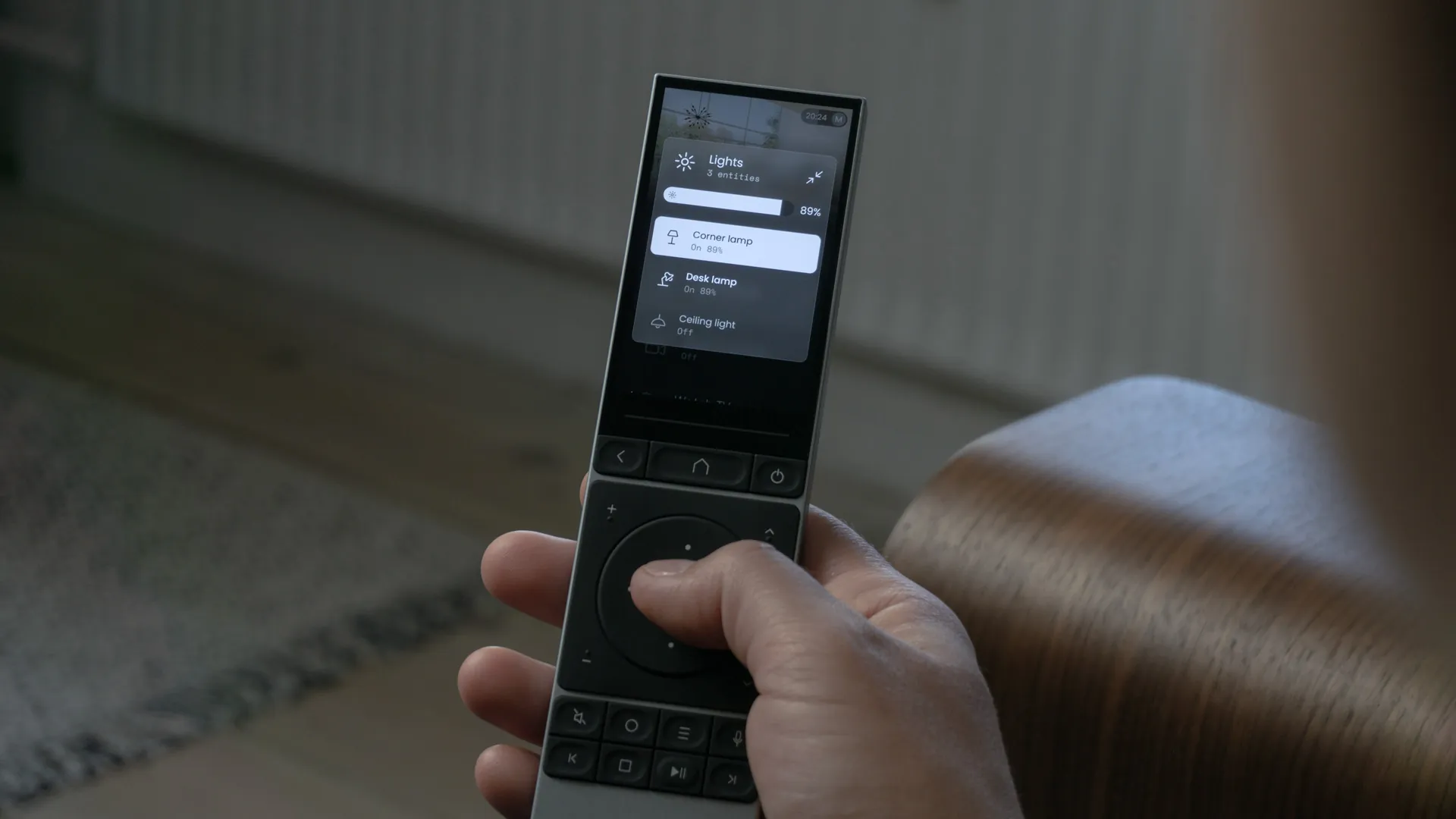
Remote 3: lights, blinds and cinema in one hand.
Remote 3 is the next-generation, easy-to-use companion for your smart home. One touch screen remote runs the whole room: the projector and sound system, every light and dimmer, blinds and curtains, and one-touch scenes such as Movie night — all from your armchair.
Prefer a complete Crestron system? We also design and install Crestron home automation, with Crestron remotes, touch screens and keypads controlling lighting, blinds, climate, security and your home cinema.
Sonos sound in every room.
We design and install Sonos multi-room audio for homes across Melbourne, with speakers placed for each zone of the house. Play the same music everywhere, or something different in every room, from the Sonos app, your voice or your home automation system.
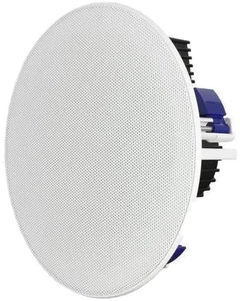
We plan the zones around your floor plan and choose the right speakers for each space, from compact Era speakers to the Arc soundbar for your TV, with in-ceiling and in-wall speakers where you would rather not see them. For a cleaner look, we install Sonos Amps in your data rack and run cable to in-ceiling speakers in each room, integrated with Easydom or Crestron home automation so music can start with a scene or follow you from room to room.
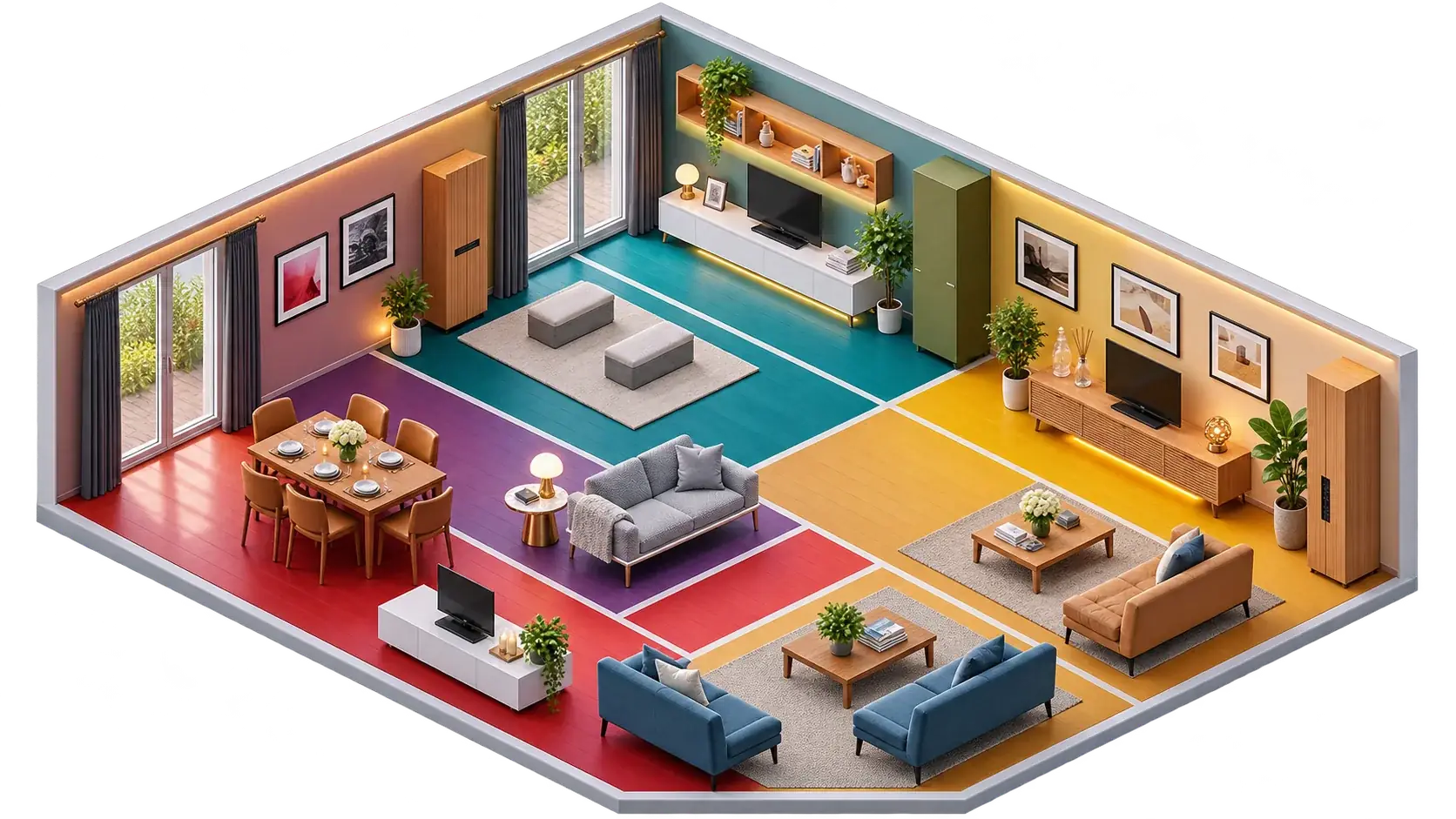
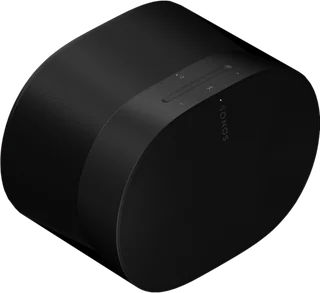 DiningSonos Era 300
 TV roomSonos ArcLoungeSonos Era 300
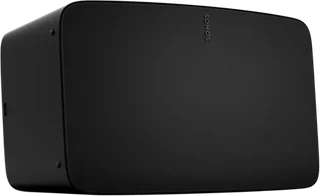 LivingSonos Five
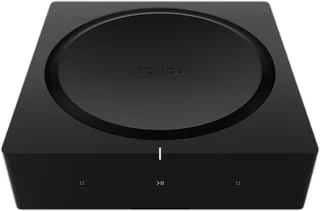 Data rack3 × Sonos Amp
Two ways to bring Sonos home.
Innovative Automation is a Sonos retailer and installer in Melbourne. We supply and install any Sonos solution, from speakers that are ready to play out of the box to systems built into the house and run by your home automation.
Wireless speakers, ready to play
Sonos Era 100 and Era 300, Five, the Move and Roam portables, the Arc, Beam and Ray soundbars, Sub and many more connect to your Wi-Fi and are set up in minutes. Place one in each room, group them together or play something different in every zone, from the Sonos app, AirPlay or your voice.
Built in, out of sight
Sonos Amps sit in your data rack and drive in-ceiling and in-wall speakers in each room through dedicated cable runs. Nothing on the shelves, no visible boxes: just sound, controlled from your switches, touch screens and scenes.
Sonos is compatible with our home automation systems. Use it on its own with the Sonos app, or within your automation, so music starts with a "Good morning" scene, follows you between rooms, lowers when the intercom rings and switches off with "Leave home". Sonos is a robust and reliable multi-room audio platform, with regular software updates, network-wired Amps for steady playback, and a system that grows one room at a time.
Conference rooms that just work.
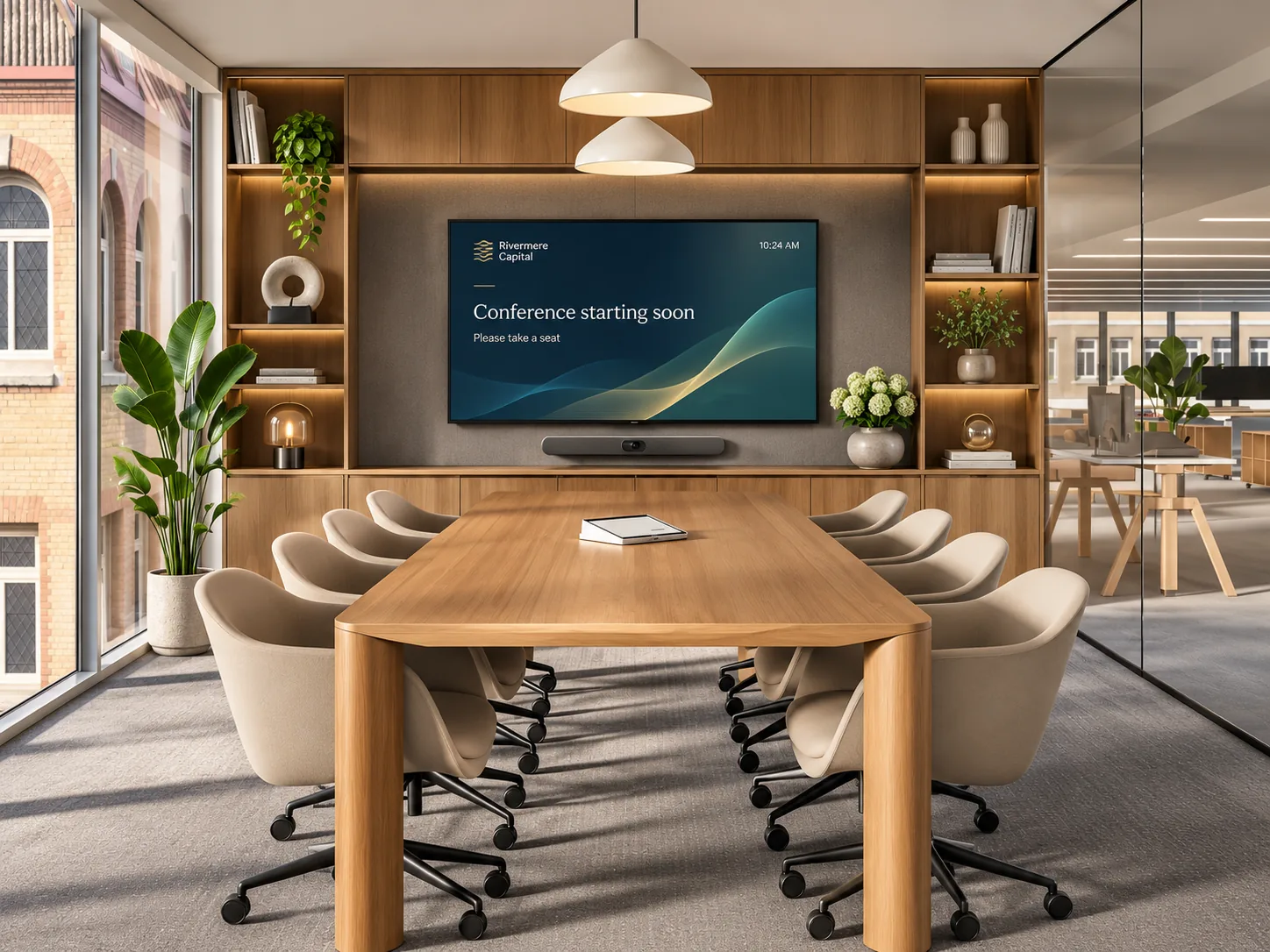
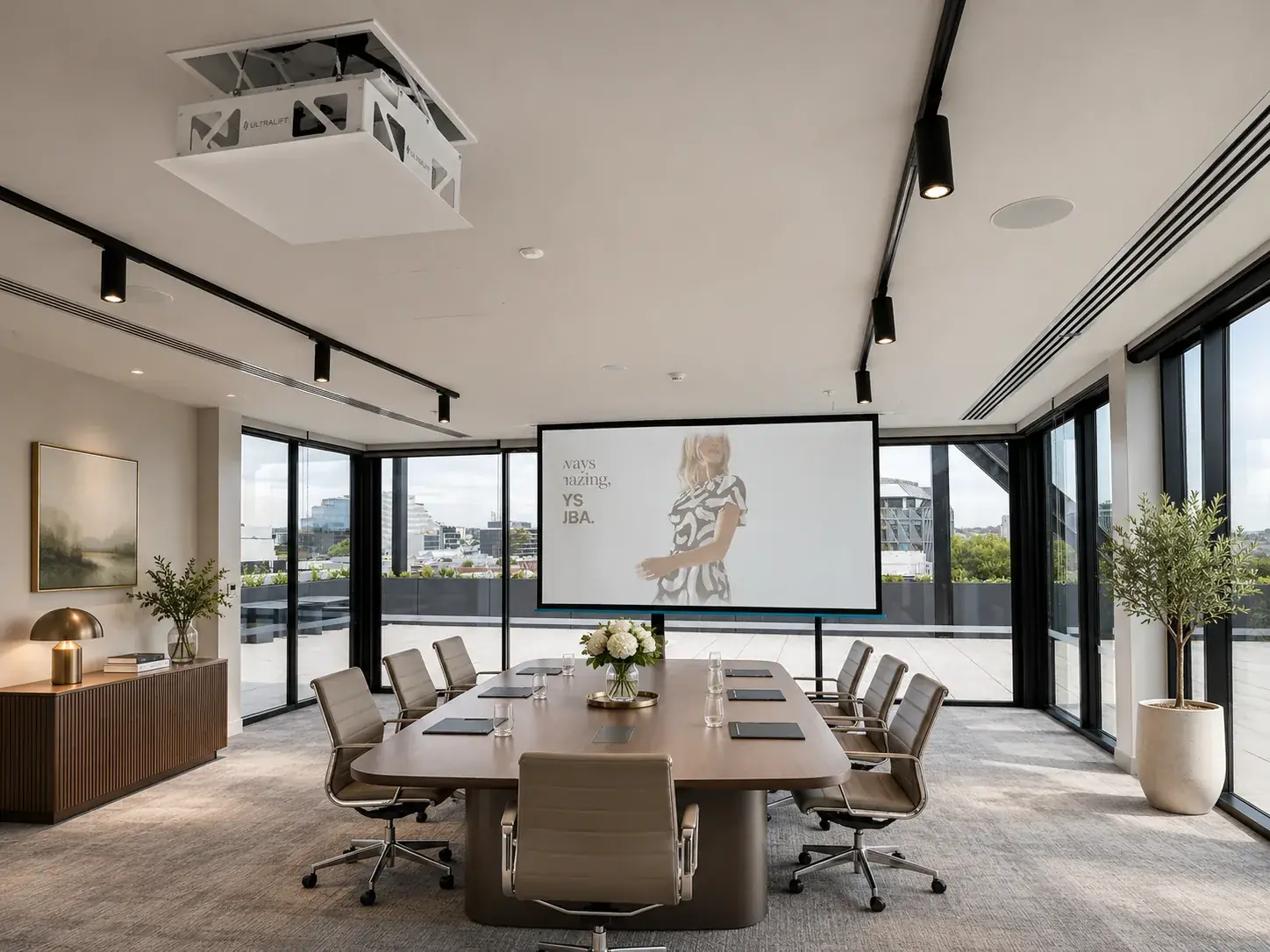
We design and install meeting and conference rooms for businesses across Melbourne, built on Logitech or Crestron video conferencing. Cameras, microphones, projectors and speakers are sized to the room, with one-touch join for Microsoft Teams and Zoom and easy content sharing from any laptop. Where a clean look matters, we add motorised lifts that hide the projector in the ceiling and the screen out of sight until the meeting starts, as we delivered for Decjuba.
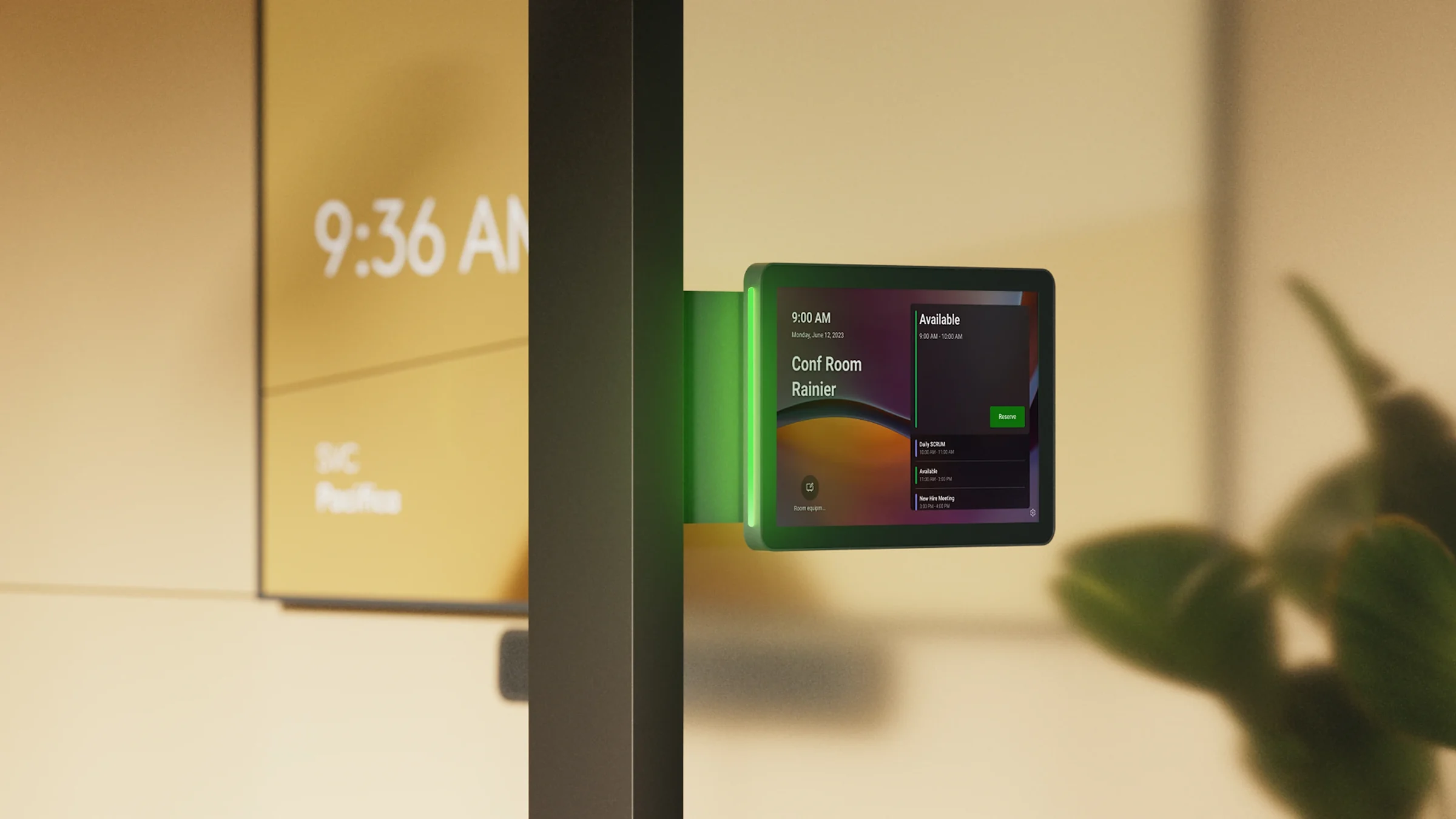
When your team needs to see which rooms are available, we fit a Logitech Tap Scheduler panel outside each room. It shows at a glance whether the room is free or in use and lets anyone book it on the spot, using the booking platform you already work with, such as Microsoft Teams Rooms, Zoom Rooms, Appspace or Robin. Add Crestron control for lighting, blinds and displays, and we cable and set up the network behind it all.
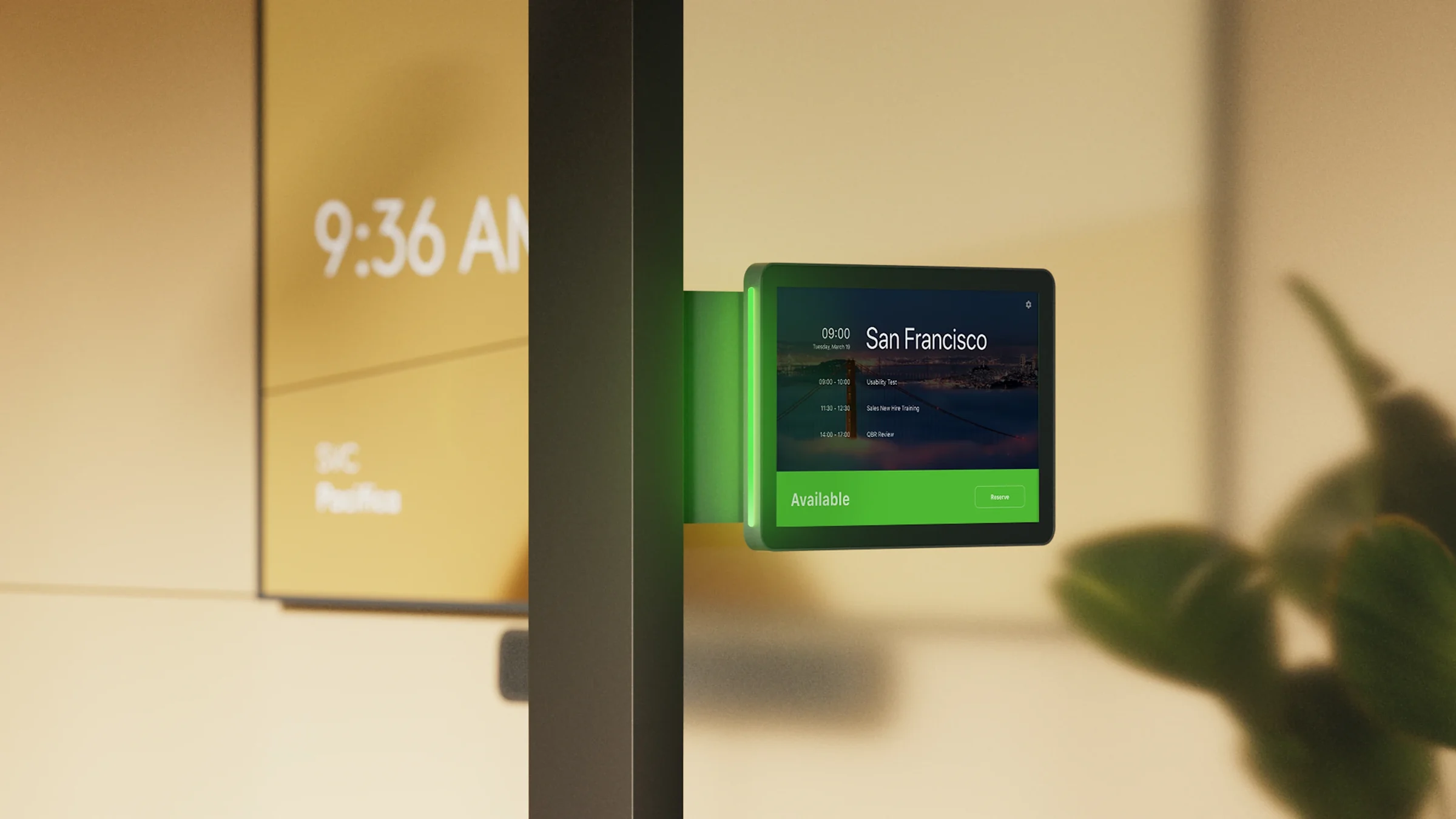
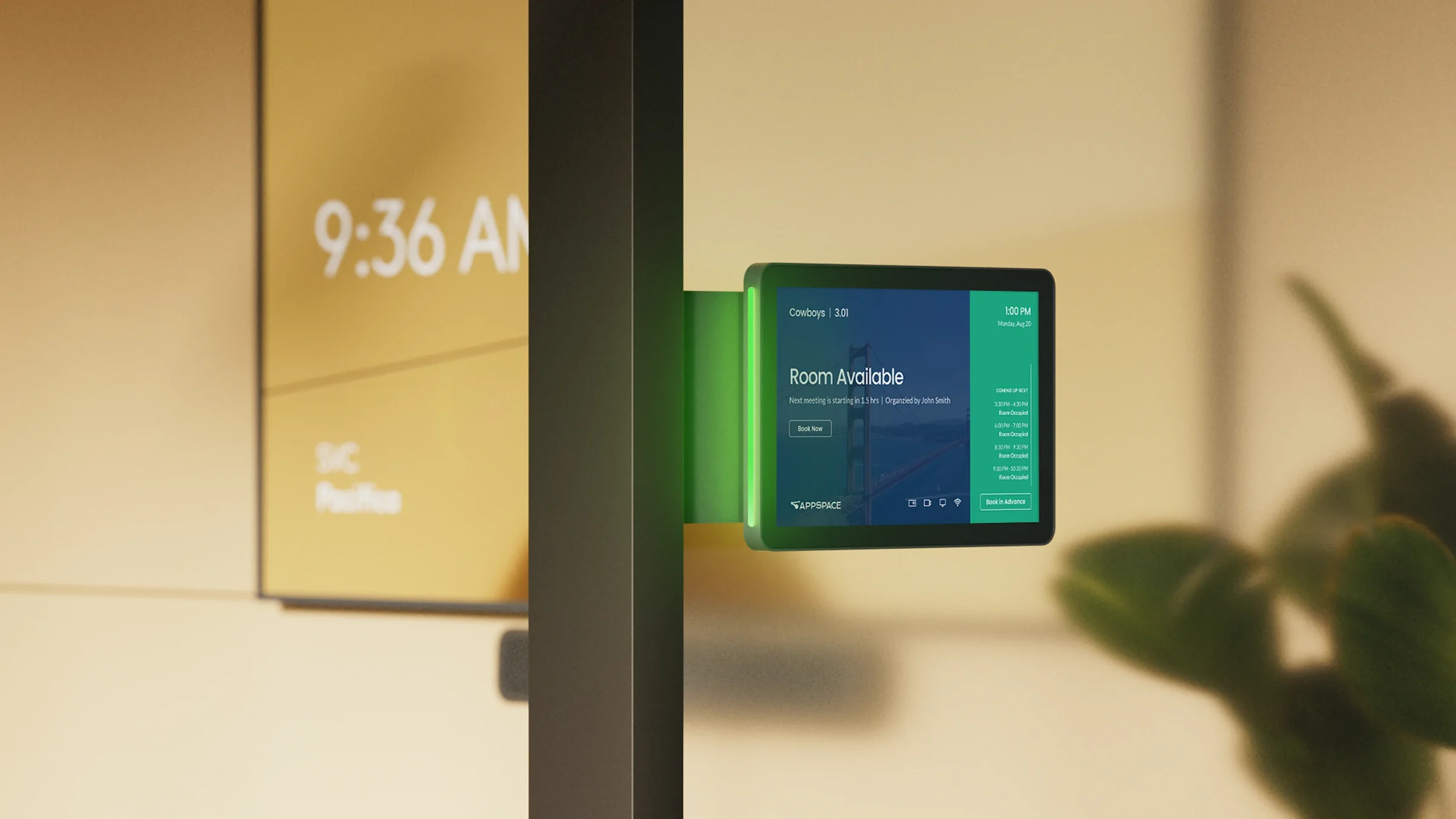
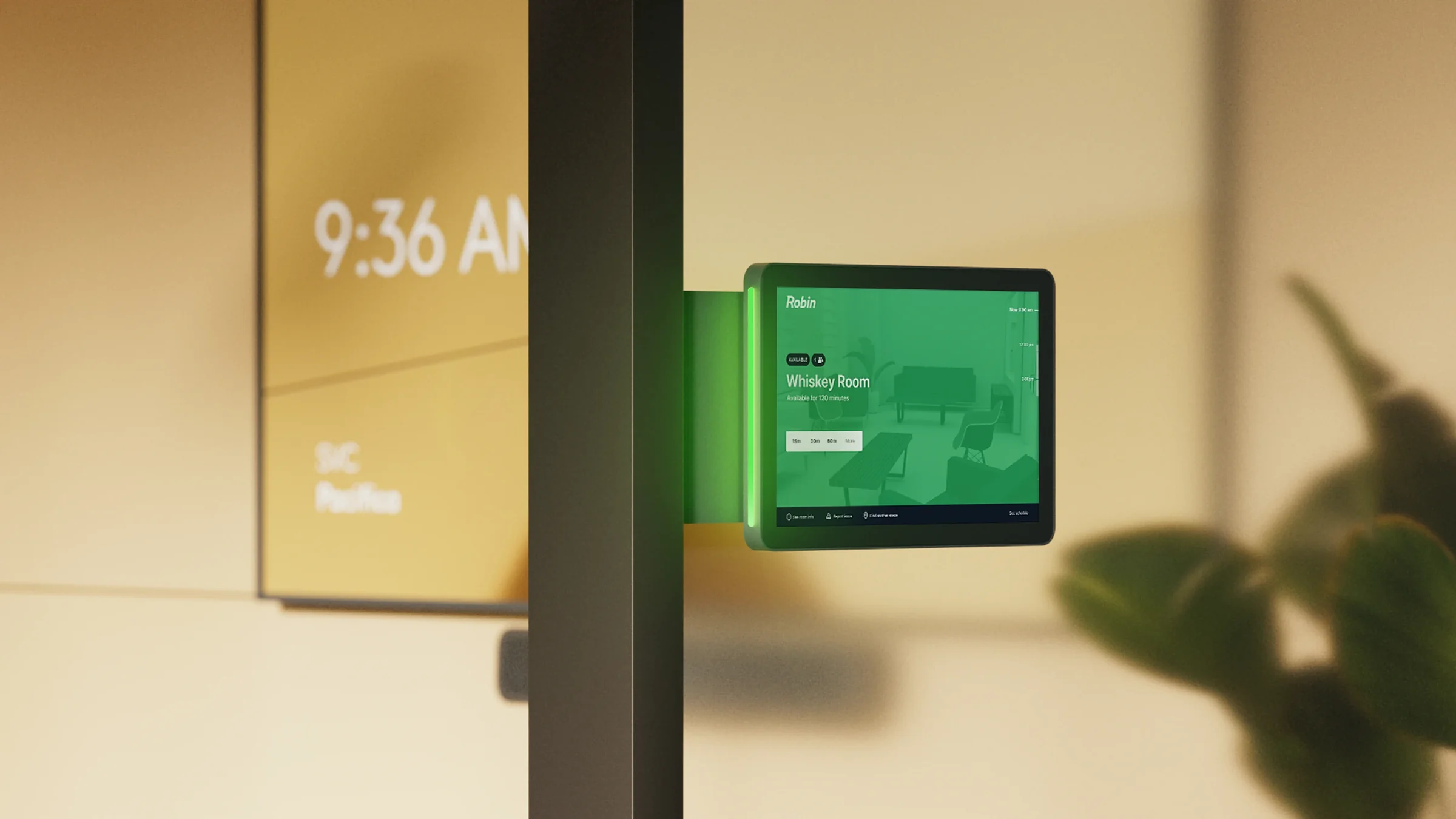
Microsoft Teams Rooms
Book the room and join your Teams meeting straight from the panel.
Zoom Rooms
See today's schedule and reserve the room in one tap.
Appspace
Workplace booking with the next meetings at a glance.
Robin
Find a free room and book it for 15, 30 or 60 minutes.
A meeting room by day, open space when you need it.
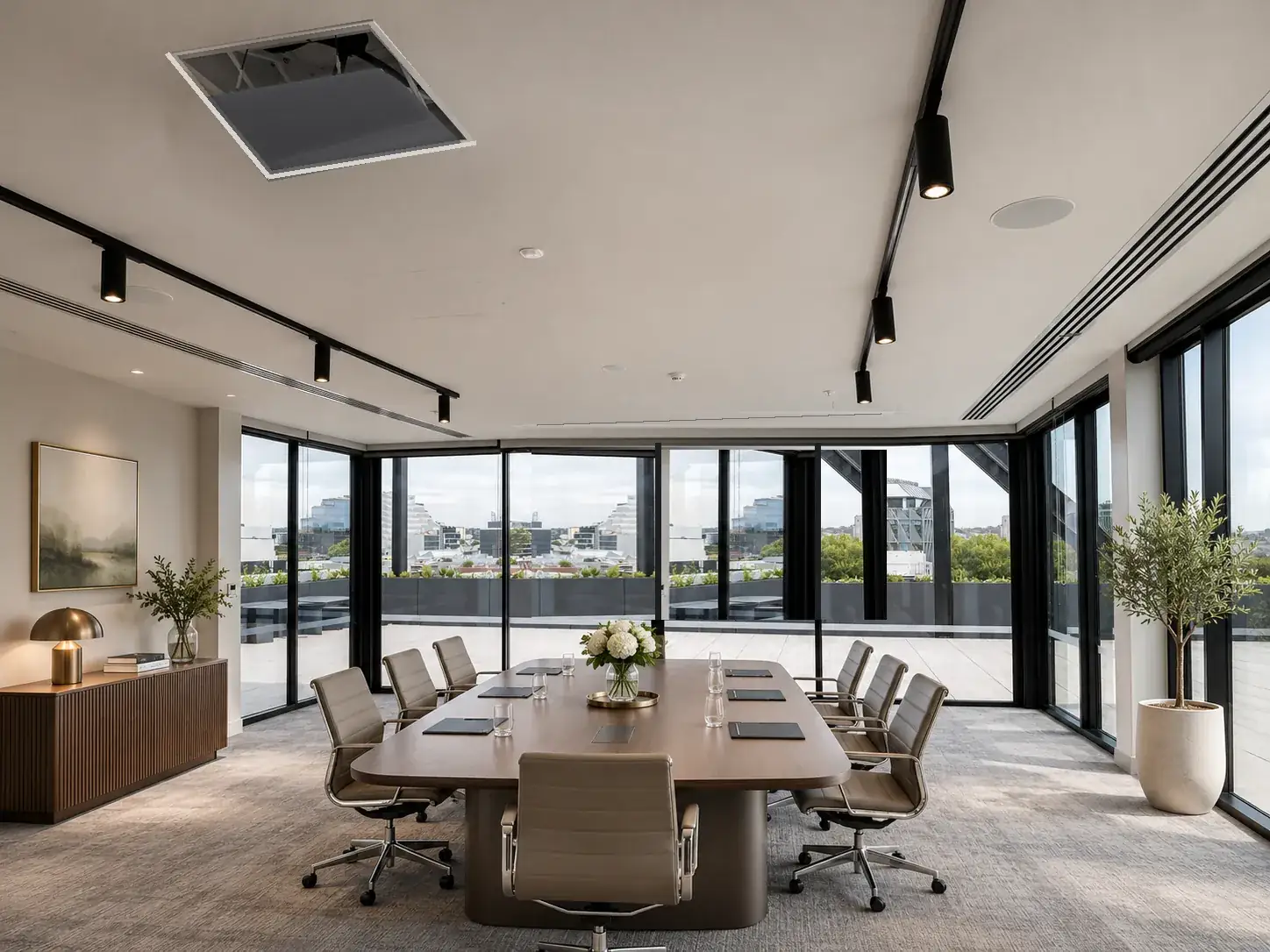
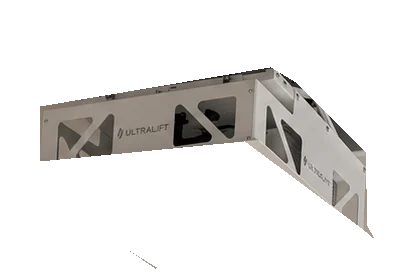
When the room isn't hosting a conference, the technology disappears. We install motorised projector lifts and drop-down screens recessed into the ceiling, so the projector and screen are hidden behind a flush panel and the room is free for workshops, training, events or simply more space.
Everything is automated and controlled by systems such as Crestron, so one touch on the wall panel or table controller lowers the projector, brings the screen down, dims the lights and closes the blinds, ready to present in seconds. At the end of the meeting the same touch sends it all back into the ceiling. We design the ceiling cut-outs with your builder or ceiling installer, supply and install the lift, screen and projector, and programme the whole sequence.
A network that just works — in every room
Every smart device, camera, screen and meeting room depends on the network. We design and install structured Cat6 cabling and professional Wi-Fi for homes and businesses across Melbourne, built properly from the start.
- Homes: Cat6 to every TV, desk, access point and camera, run back to a tidy data cabinet, ideally at pre-wire stage with your builder
- Businesses: structured cabling for offices, meeting rooms and retail, with patch panels, racks and every outlet labelled, tested and documented
- Better Wi-Fi: Ubiquiti UniFi or TP-Link Omada access points placed for full coverage, replacing dead spots and slow mesh extenders
- Separate networks (VLANs) for staff, guests, cameras and smart home devices, with remote monitoring
Already living with patchy Wi-Fi? We survey the property, reuse existing cabling where possible and add wired access points so the signal is strong in every room, from the backyard to the boardroom.
Proven brands, professionally installed
We choose each product for its reliability and how well it works with the rest of the system, from the Wi-Fi to the meeting room and the cinema. Below are just a few of the brands we install, but we are not limited to them: we also use Crestron and Crestron Home control, Bose sound, 4Cabling structured cabling and many more, and we can work with the brands you already have.
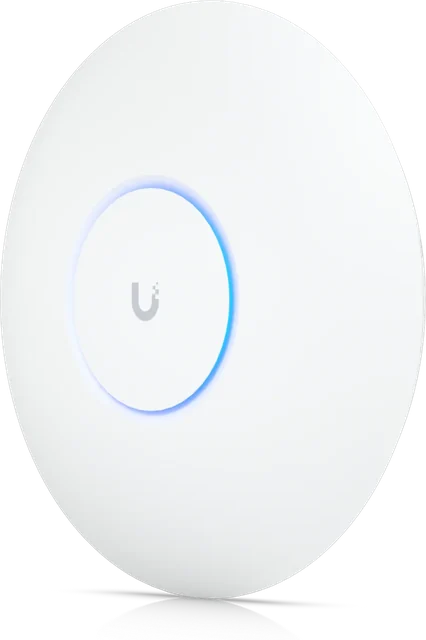 UniFiCeiling access point
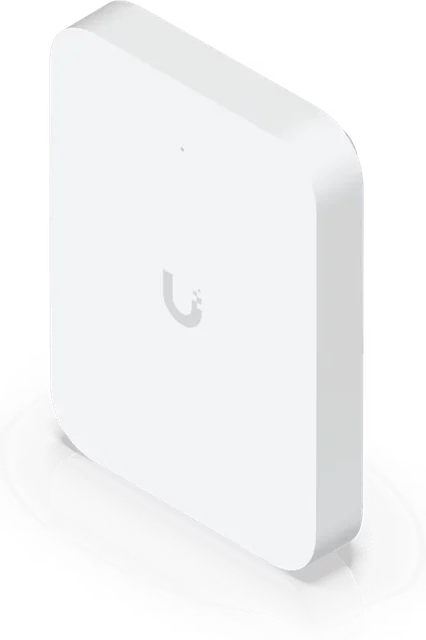 UniFiWall access point
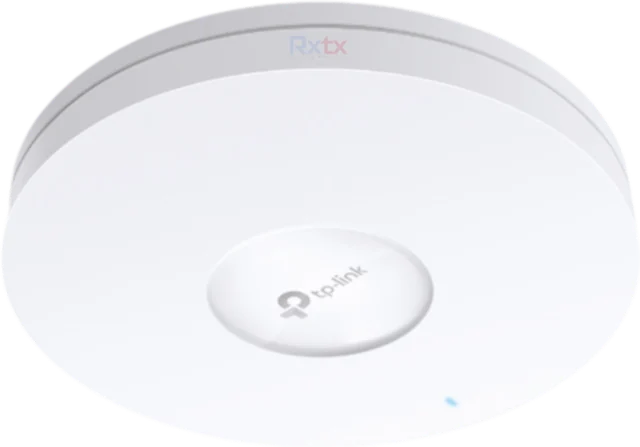 TP-LinkOmada access point
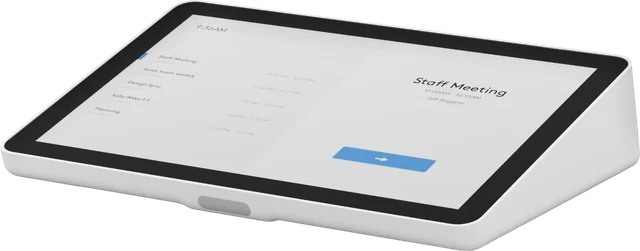 LogitechTap room controller
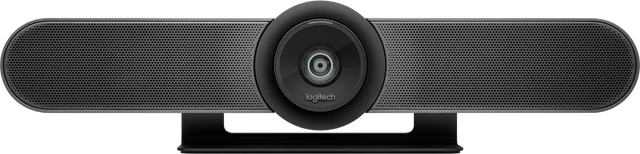 LogitechMeetUp video bar
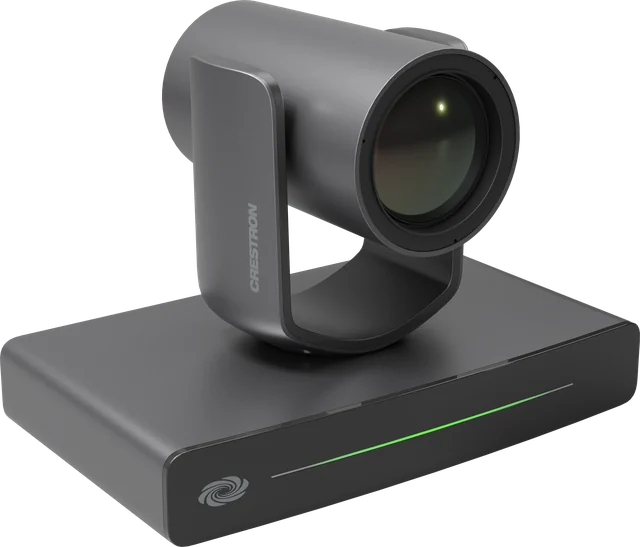 CrestronPTZ camera
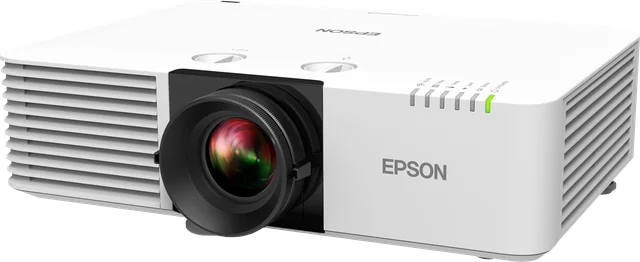 EpsonLaser projector
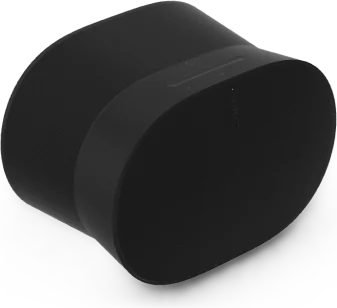 SonosEra 300
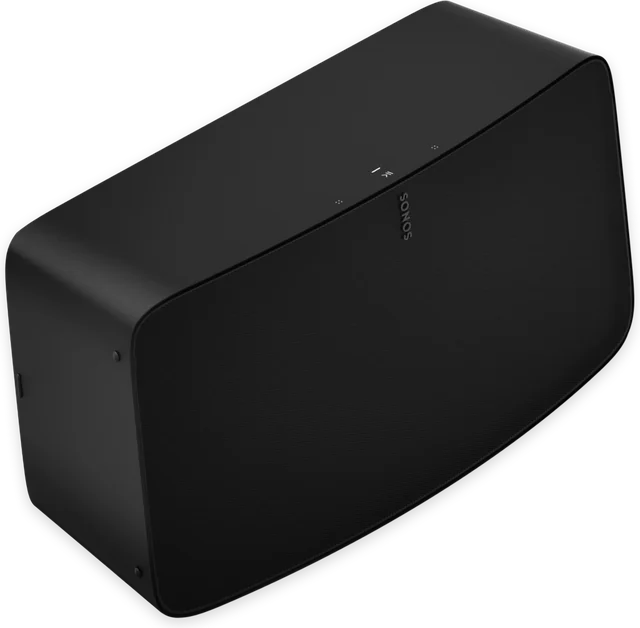 SonosFive
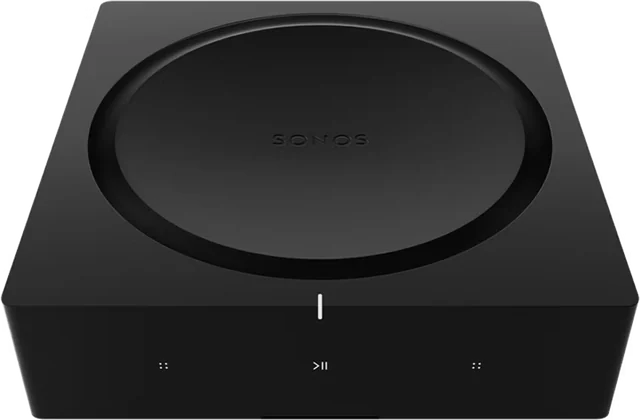 SonosAmp
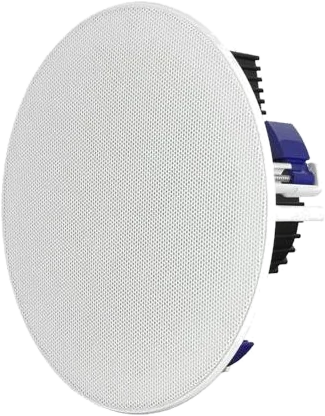 YamahaIn-ceiling speaker
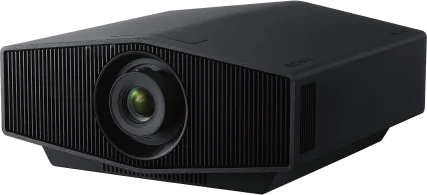 Sony4K projector
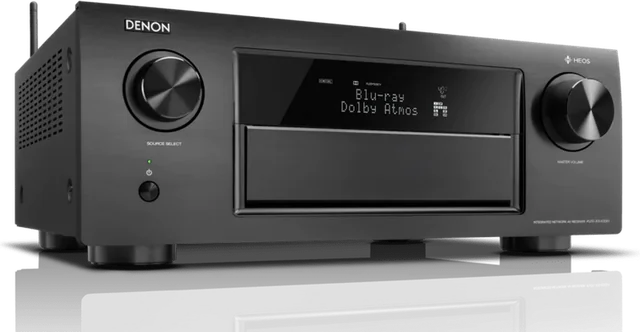 DenonAV receiver
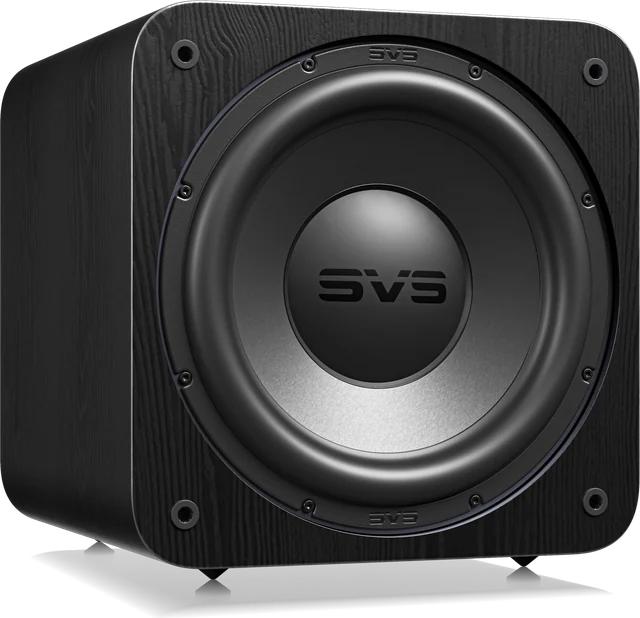 SVSSubwoofer
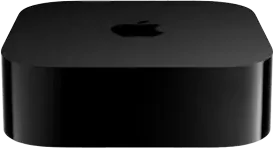 Apple TV4K streaming
Network & AV FAQs
How do you fix Wi-Fi dead spots?
We design the network around your floor plan, run Cat6 cabling to strategically placed access points and use enterprise-grade equipment such as Ubiquiti UniFi or TP-Link, so coverage is consistent in every room.
Why use cabled access points instead of a mesh kit?
Cabled access points give each area a full-speed connection back to the router, avoiding the speed loss and instability of wireless backhaul — especially important in larger or multi-level homes.
What is a VLAN and do I need one?
A VLAN separates groups of devices — for example cameras, smart home devices and guests — onto their own network segments. It improves security and performance, and we include it in our network designs.
Do you install home cinemas and multi-room audio?
Yes. We design, supply and install home theatres, media rooms and multi-room audio, as a standalone system or integrated with home automation, using brands such as Denon, Sony, Sonos and Bose, with Crestron or Easydom control for one-touch operation.
Can the projector and screen be hidden in the ceiling when the room isn't used for meetings?
Yes. We install motorised projector lifts and drop-down screens recessed into the ceiling behind flush panels, so the room can be used for workshops, training or events. Controlled by Crestron or a similar system, one touch lowers the projector and screen, sets the lights and blinds, and sends everything back into the ceiling after the meeting.
Do you install Cat6 cabling and Wi-Fi for both homes and businesses?
Yes. We install structured Cat6 cabling and professional Wi-Fi for homes and businesses across Melbourne, using Ubiquiti UniFi or TP-Link Omada access points, switches and routers. For homes we cable every TV, desk, access point and camera back to a data cabinet; for offices we install racks, patch panels and labelled, tested outlets, with separate networks for staff, guests and cameras.
Which remote do you use for the home cinema and smart home?
We install the Unfolded Circle Remote 3, a next-generation touch screen remote that controls the projector, sound system, lights, blinds and scenes from one device. For complete Crestron home automation systems we install Crestron remotes, touch screens and keypads.
Can you install Sonos in every room of my home?
Yes. We design Sonos multi-room audio around your floor plan, dividing the home into zones such as dining, lounge, TV room and living room, and install the right speaker in each: Sonos Era 300, the Arc soundbar, Sonos Five, or in-ceiling and in-wall speakers. Each zone can play its own music or all play together, from the Sonos app, by voice, or through Easydom or Crestron home automation.
Can Sonos be built in with ceiling speakers instead of separate speakers?
Yes. For a built-in system we install Sonos Amps in your data rack and run speaker cable to in-ceiling speakers in each room, so nothing sits on shelves. Each Sonos Amp drives one zone, and the whole system can be controlled from the Sonos app, by voice, or through Easydom or Crestron home automation.
Can one button start a movie scene in my home theatre?
Yes. With home automation, a single touch can turn on the projector and receiver, select the source such as Apple TV, dim the lights to movie mode and close nearby blinds or curtains at the same time.
Can you set up meeting rooms for our business?
Yes. We design and install meeting and conference rooms built on Logitech video conferencing, with one-touch join for Microsoft Teams and Zoom, Crestron control for lighting, blinds and displays, and the cabling and network to support them.
Do you install room booking panels?
Yes. We install Logitech Tap Scheduler room booking panels outside meeting rooms. They show whether the room is free and let staff book it on the spot, and work with Microsoft Teams Rooms, Zoom Rooms, Appspace and Robin.
Upgrade your network or AV
Send a few details and we'll be in touch to talk it through.
- Phone0478 287 819
- Email[email protected]
- Service areaMelbourne & eastern suburbs · Sydney · Brisbane